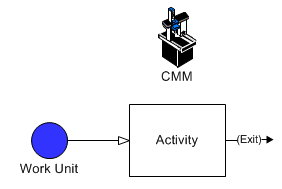
Increase the unit cost of an entity according to the length of time a resource was used or activity performed.
The model used for this example, as well as all of the modeling "how-to" examples, can be found in the ProModel Solutions Café (http://www.promodel.com/solutionscafe/howto/).
A coordinate measuring machine (CMM) is used on certain parts and is charged out at $150.00 an hour. We want to add this cost to the entities that use it.
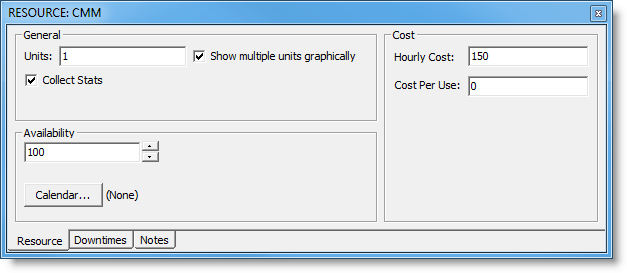
The hourly rate for the CMM is set to $150. Alternatively, we could have defined the CMM as an activity and set the hourly rate for the activity to $150.
© 2011 ProModel Corporation • 556 East Technology Avenue • Orem, UT 84097 • Support: 888-776-6633 • www.promodel.com