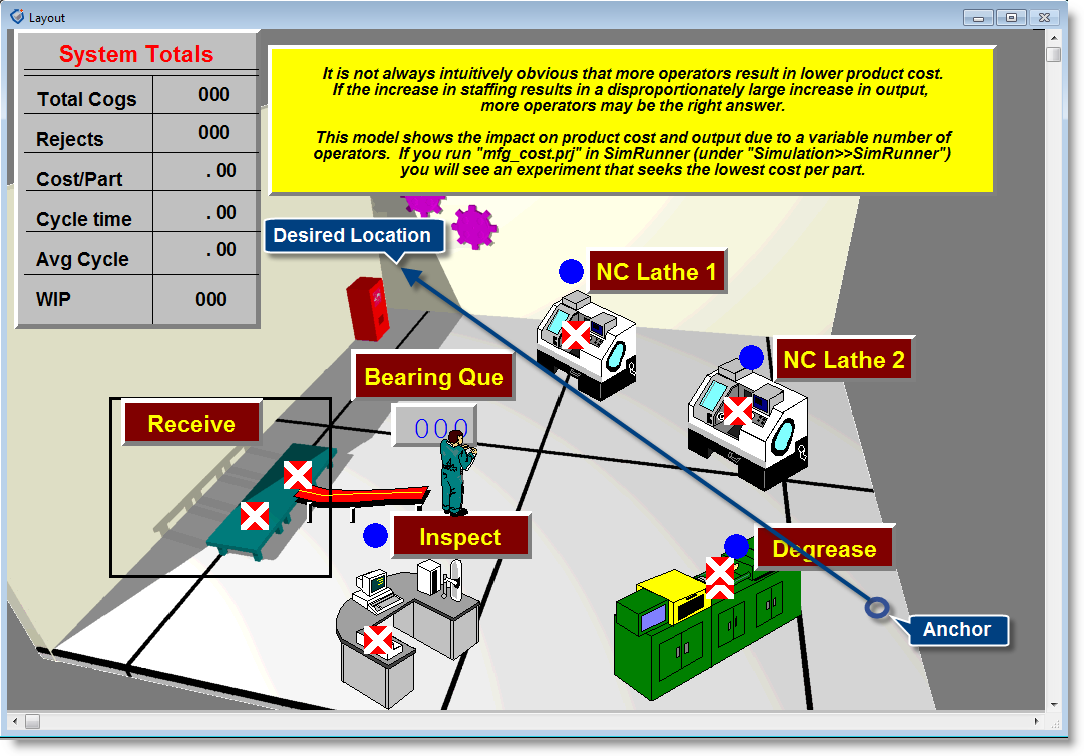
In addition to the animation options discussed in the previous section, you may pan the animation screen in any direction, control the speed of the simulation, and change the format of the simulation clock display. These and other procedures are discussed in this section.
How to pan through the animation:
How to control the simulation speed:
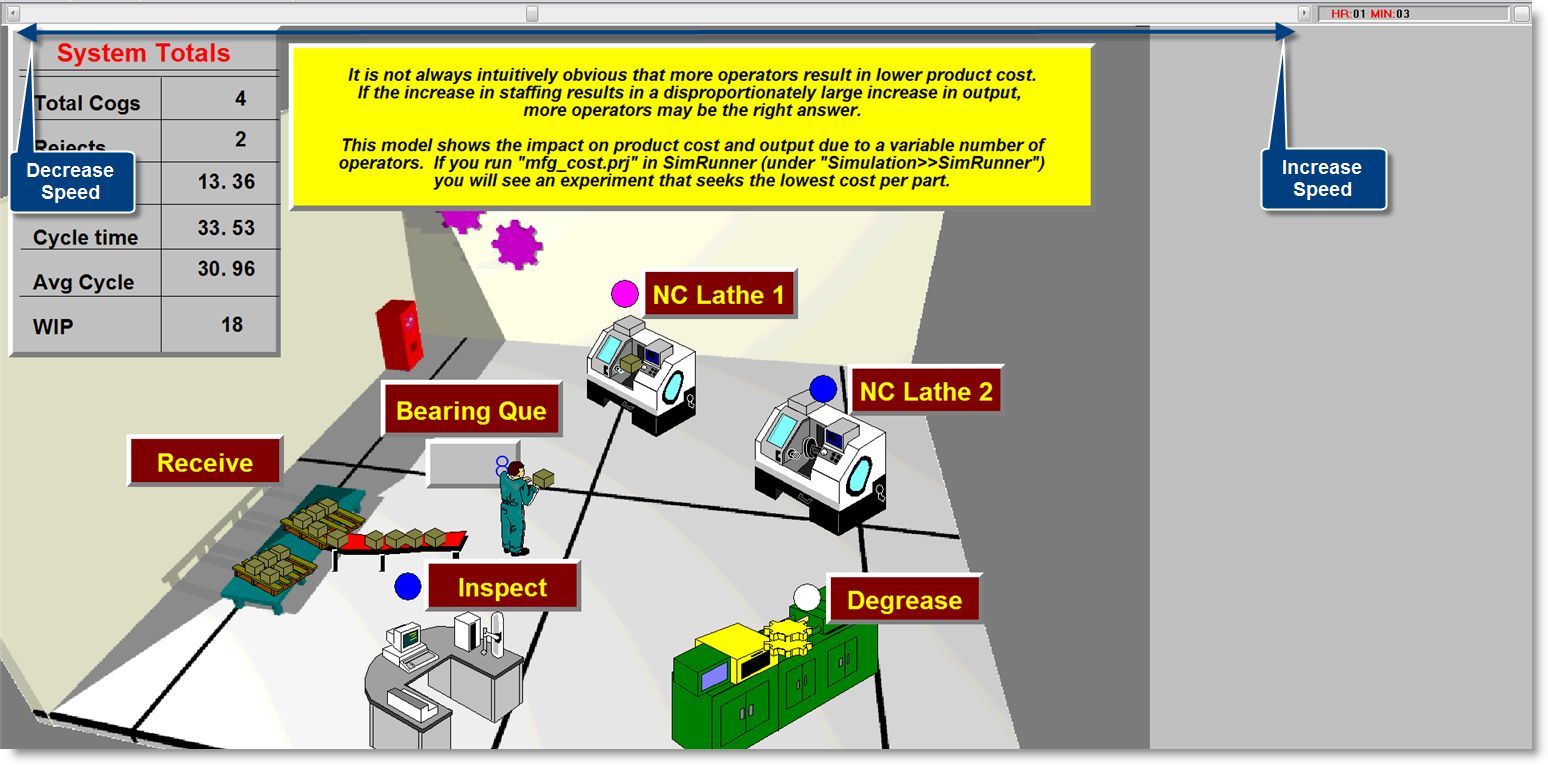
Please Note: The speed of the animation may be altered by model logic with the use of the ANIMATE statement (See Animate).
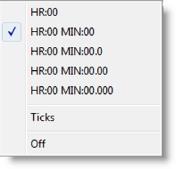
How to change the format of the simulation clock display:
How to identify any location on the layout during the simulation:

|
© 2012 ProModel Corporation • 556 East Technology Avenue • Orem, UT 84097 • Support: 888-776-6633 • www.promodel.com |