The purpose of any simulation model is to gain a deeper understanding of the system under study.
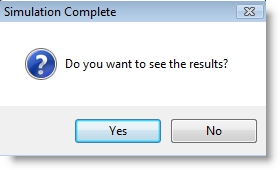
After each simulation run, you are prompted to view the model output. You can select yes to view the results immediately, or select no to continue with some other task. Selecting yes opens the Output Viewer and automatically loads the output of the most recent model run.
The Output Viewer can be run directly from within
Model output is written to several output files according to the type of data being collected. The main output file contains information of a summary nature such as overall location utilization and number of entries at each location. Other files keep track of information such as location contents over time and the duration of each entity at each location.
In order to see the power and flexibility of the

|
© 2012 ProModel Corporation • 556 East Technology Avenue • Orem, UT 84097 • Support: 888-776-6633 • www.promodel.com |