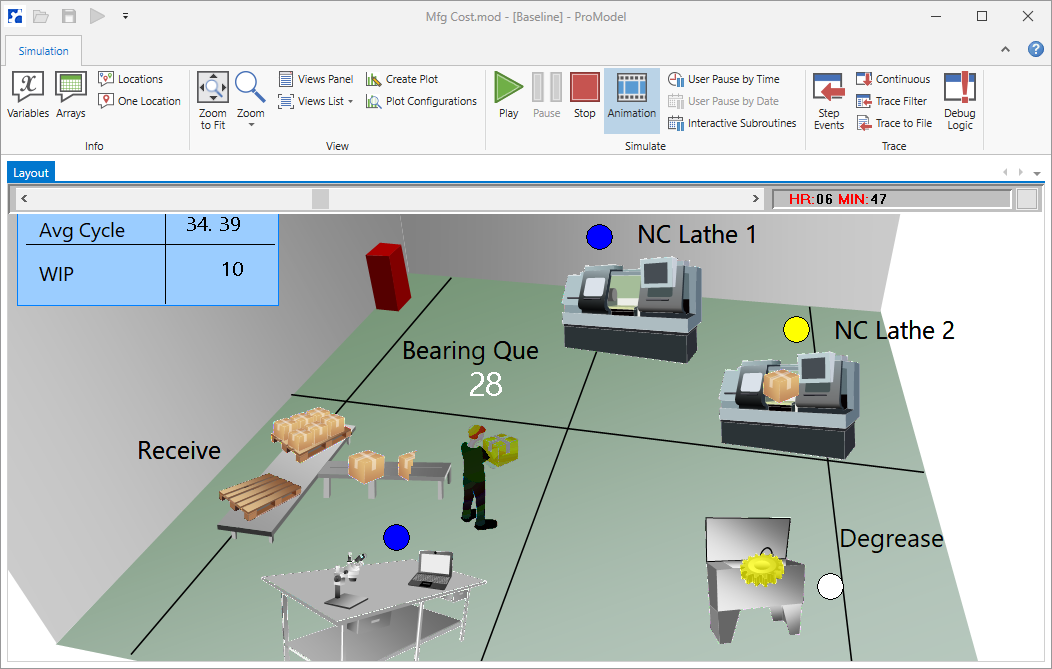
Once a simulation begins, the application will switch to the simulation environment and a new Simulation ribbon appears with options for controlling and interacting with the simulation. There is also an animation speed control bar and simulation clock just below the ribbon.
Each of the ribbon buttons and the tools for controlling the animation are described in the remainder of this chapter.
|
© 2019 ProModel Corporation • 705 E Timpanogos Parkway • Orem, UT 84097 • Support: 888-776-6633 • www.promodel.com |
