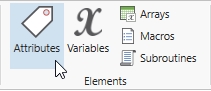
Attributes are place holders similar to variables, but are attached to specific locations and entities and usually contain information about that location or entity. Attributes may contain integers or real numbers. You may also assign model element names (e.g.,
How to create and edit attributes:
|
© 2019 ProModel Corporation • 705 E Timpanogos Parkway • Orem, UT 84097 • Support: 888-776-6633 • www.promodel.com |
